Verify the source
Navigate directly to Ledger’s official setup page. Download Ledger Live only from the official destination it identifies.
A considered first step into self-custody. Prepare your workspace, understand the setup path, and learn the habits that keep your assets yours.
EXPLORE THE GUIDE ↓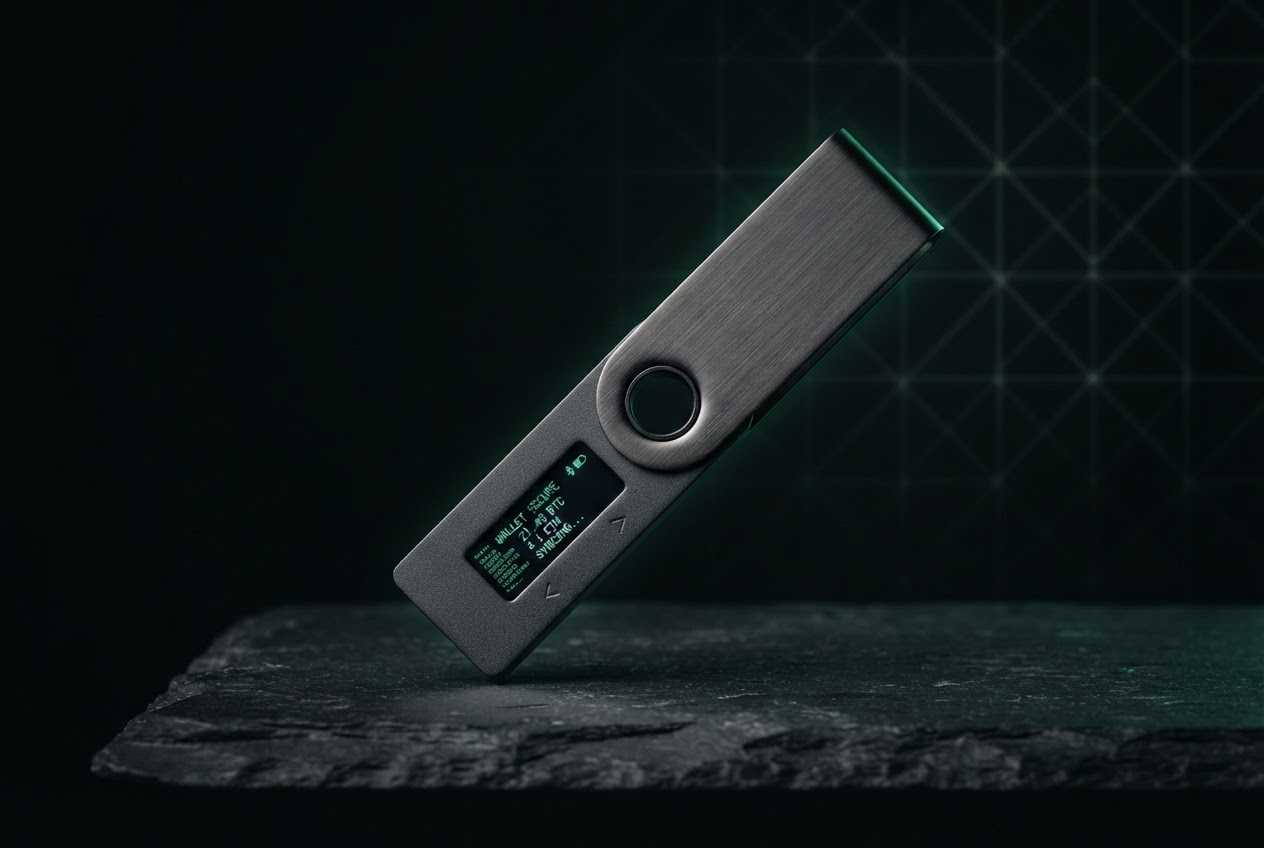
A hardware wallet helps you keep control of the private keys that authorize transactions. It does not store coins inside the device; it protects the credentials used to access them.
This page is an independent educational overview, not a substitute for the instructions shown in Ledger’s official app or support materials. Start at Ledger.com/start by typing the address yourself. Verify the domain and follow the current, model-specific instructions. Never trust a setup link sent unexpectedly by email, direct message, or search advertisement.
A calm setup is a safer setup. Set aside a short window without interruptions, and keep the process private.
Use a Ledger device you obtained through an official, trusted channel. Check that packaging and device condition match current manufacturer guidance.
Update its operating system, use a secure network, and close unrelated applications. Avoid shared or public computers.
Prepare a quiet, private place to record your recovery phrase offline if the device instructs you to. Keep cameras and other people away.
Do not rush through prompts. Read each screen and confirm important details directly on the hardware device.
Exact screens vary by model and software version. Treat the official, on-screen instructions as the source of truth.
Navigate directly to Ledger’s official setup page. Download Ledger Live only from the official destination it identifies.
Follow the device’s prompts to set it up as new or restore only when appropriate. Choose a PIN privately; never share it.
If a recovery phrase is generated, write it down exactly as directed and complete any verification the device requests.
Review addresses and transaction details on the device display. Add accounts or assets using official software guidance.
The device is one part of your security. Your choices around software, secrets, and transaction review matter just as much.
Anyone who obtains it may be able to control the associated assets. Ledger support, legitimate staff, and this guide will never need you to reveal it.
Malicious software can alter what a computer displays. Compare the destination on the hardware wallet’s screen before approving. If anything differs, stop.
Urgency, surprise “security checks,” and requests to type a phrase into a website or app are danger signals. Disconnect and verify through official support channels.
Install updates only through official Ledger software and follow its instructions. Never sideload tools from unsolicited links or grant remote access to a stranger.
Recovery information is not a password reset. It can recreate access, so treat it as exceptionally sensitive.
Most preventable problems start with misplaced trust or a hurried click. Build a pause into every unfamiliar request.
Lookalike ads and domains can imitate a setup page. Type the official address directly and inspect the domain.
Cloud backups, screenshots, notes, and photos can expose recovery information to accounts and devices you do not control.
A quick confirmation can authorize the wrong destination or action. Read the details on the device screen first.
Do not follow a stranger’s link, share your screen, or reveal secrets. Find official support through the verified site yourself.
When in doubt, pause. Return to Ledger’s verified help resources rather than relying on an unsolicited message.
VISIT OFFICIAL LEDGER SETUP ↗